Mining pool · PEARL

PEARL Pool

A clear interface to connect miners, track performance and win your crypto.

Pool fee: 0.5%

Overview

Live pool statistics from validated shares.

LIVE PREVIEW
— TH/s
Waiting for connection
0
No workers detected
0
Ready to receive

Connect a miner

Copy the URL below into your mining software.

stratum+tcp://poolmouillay.com:3360

Mouillay Miners

Our mining software. Choose your platform and start with your own payout wallet.

Beta · 0.20.4-beta

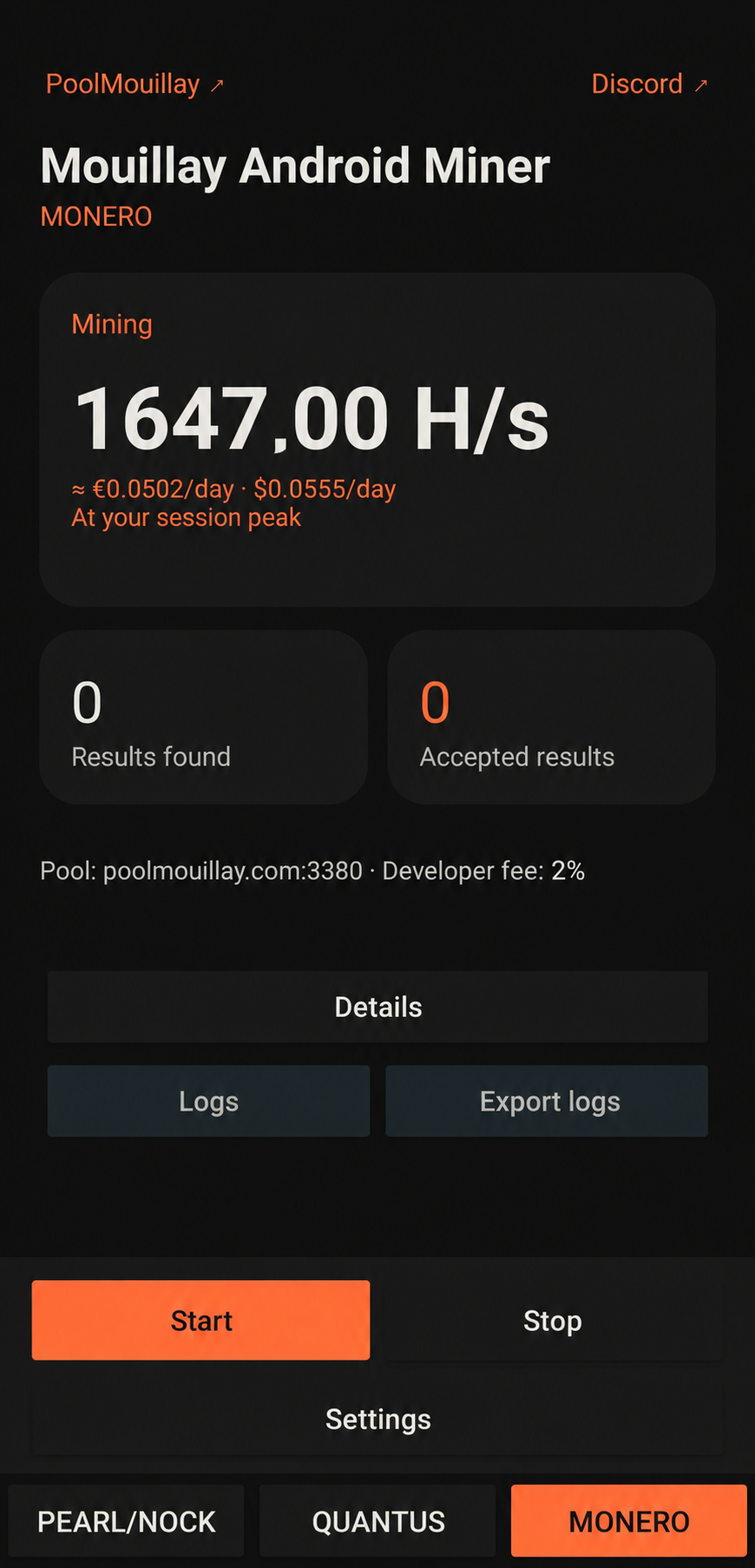
Mouillay Android Miner

Mouillay Android MinerAbout this miner

Mine PEARL / NOCK and QUANTUS on ARM64 Android phones, with compatible CPU, GPU and experimental Qualcomm Hexagon acceleration. Eight languages and estimated daily earnings. Android 10+ · No root required. Device compatibility varies.

Download APK ↓Setup guide & releases →

Technical setup guide (English)

Configure Mouillay GPU Miner

PEARL mining · Windows · NVIDIA GPU

  1. Download the release ZIP from Guide & releases → and extract it. Keep MouillayMiner.exe and START_MINER.bat in the same writable folder.
  2. Right-click START_MINER.bat, choose Edit, and select PEARL and update your pool and payout address:
set "ALGORITHM=PEARL"
set "PEARL_POOL=poolmouillay.com:3360"
set "PEARL_WALLET_WORKER=YOUR_PEARL_ADDRESS.rig1"

Replace YOUR_PEARL_ADDRESS with your own address and rig1 with your worker name. Enter your PEARL address in Wallet tracker to see activity.

For PEARL + NOCK, use YOUR_PEARL_ADDRESS+YOUR_NOCK_ADDRESS.rig1 instead. Read the NOCK merge-mining guide ↗

  1. Save the launcher, then double-click START_MINER.bat. Check the terminal for accepted shares.
  2. Search your wallet in the tracker to view your workers, estimated hashrate and balances. Each GPU receives a -gpuN worker suffix automatically.

Replace the prefilled maintainer wallet before mining. A compatible NVIDIA driver is required; Python and the CUDA Toolkit do not need to be installed separately.

Miner developer fee: 0.5% on poolmouillay.com, 1% on other pools. The pool's separate 0.5% fee also applies. Press P to pause/resume or Ctrl+C to stop.
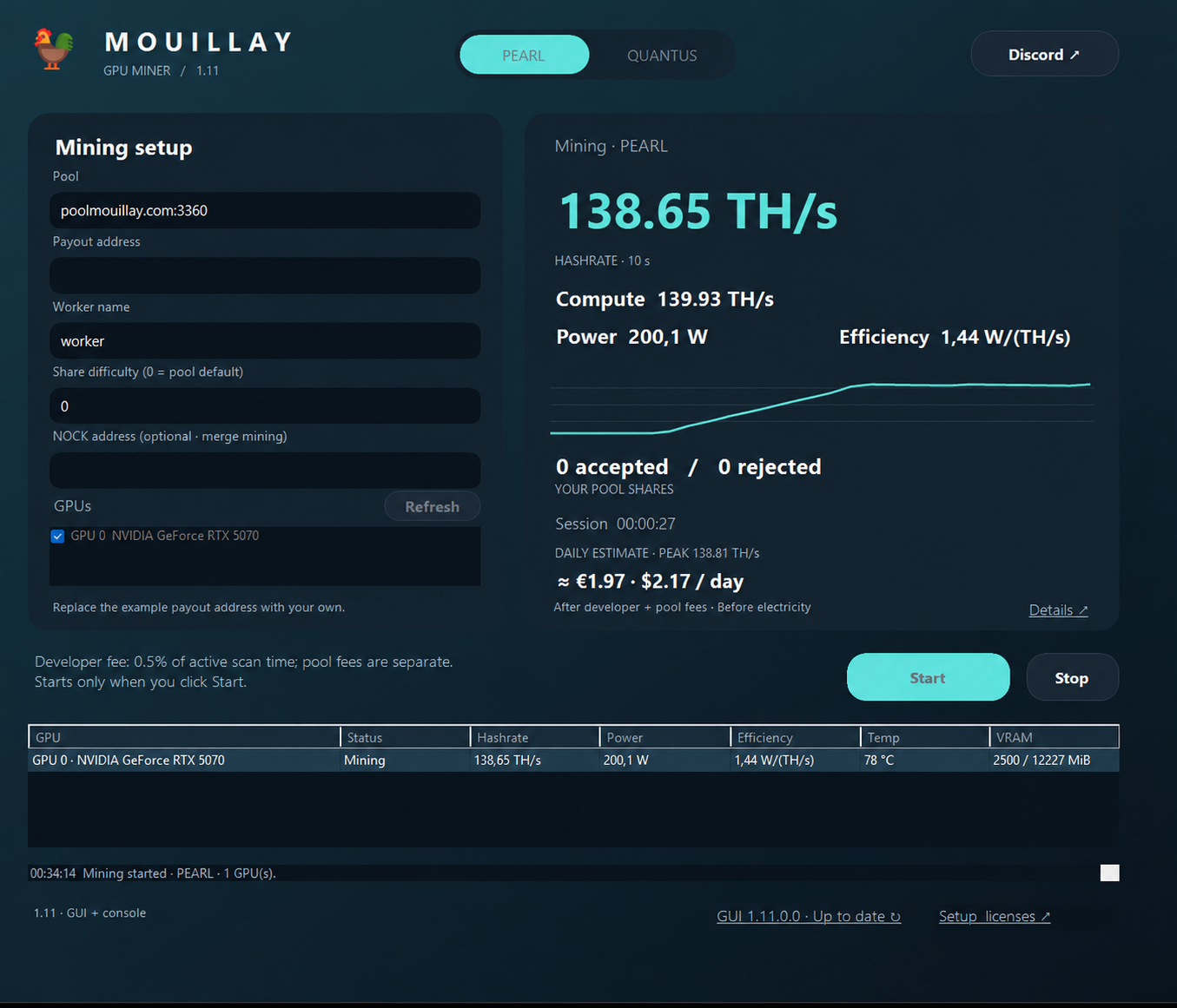
Poolmouillay: mining pools and Mouillay software

Poolmouillay brings together PEARL, NOCK, QUANTUS and Monero mining pools, Mouillay mining software and setup guides. Find official GPU, CPU, Android and Web miner downloads, track your wallet and estimate mining revenue.