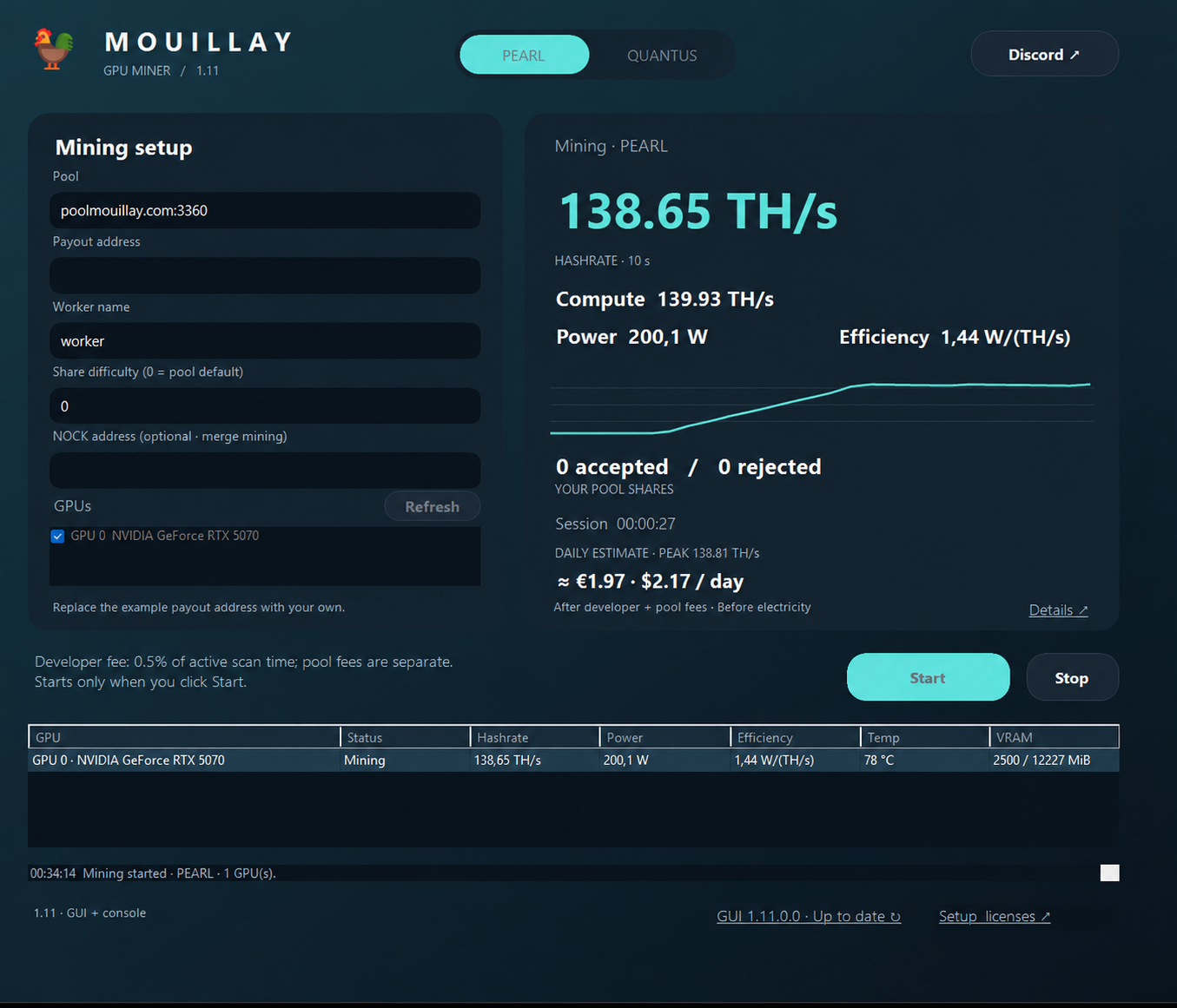
- Download the release ZIP from Guide & releases → and extract it. Keep
MouillayMiner.exe and START_MINER.bat in the same writable folder.
- Right-click
START_MINER.bat, choose Edit, and select PEARL and update your pool and payout address:
set "ALGORITHM=PEARL"
set "PEARL_POOL=poolmouillay.com:3360"
set "PEARL_WALLET_WORKER=YOUR_PEARL_ADDRESS.rig1"
Replace YOUR_PEARL_ADDRESS with your own address and rig1 with your worker name. Enter your PEARL address in Wallet tracker to see activity.
For PEARL + NOCK, use YOUR_PEARL_ADDRESS+YOUR_NOCK_ADDRESS.rig1 instead. Read the NOCK merge-mining guide ↗
- Save the launcher, then double-click
START_MINER.bat. Check the terminal for accepted shares. - Search your wallet in the tracker to view your workers, estimated hashrate and balances. Each GPU receives a
-gpuN worker suffix automatically.
Replace the prefilled maintainer wallet before mining. A compatible NVIDIA driver is required; Python and the CUDA Toolkit do not need to be installed separately.
Miner developer fee: 0.5% on poolmouillay.com, 1% on other pools. The pool's separate 0.5% fee also applies. Press P to pause/resume or Ctrl+C to stop.