POOLMOUILLAY · NOCKCHAIN

NOCK পুল

মার্জ মাইনিং, NOCK বাজার ও ওয়ালেটের কাজের একটি ড্যাশবোর্ড।

Pool fee: 0.5%

ওয়ালেট ট্র্যাকার

PPLNS · 0.5% pool fee · Minimum payout: 50 NOCK · Daily payments (00:00 UTC).

মার্জ মাইনিং দেখতে নেটিভ NOCK ঠিকানা খুঁজুন।

শুরু করতে NOCK ঠিকানা লিখুন।

ড্যাশবোর্ড

Loading verified NOCK pool statistics…

সরাসরি
পুলের সর্বোচ্চ হ্যাশরেট · ২৪ ঘণ্টা
লোড হচ্ছে…
১৫ মিনিটের আনুমানিক সর্বোচ্চ · গত ২৪ ঘণ্টা
সর্বোচ্চ সক্রিয় মাইনার · ২৪ ঘণ্টা
লোড হচ্ছে…
একই সময়ে সর্বোচ্চ সক্রিয় ওয়ালেট · গত ২৪ ঘণ্টা
গৃহীত শেয়ার
লোড হচ্ছে…
NOCK প্রুফ ইঞ্জিন দ্বারা যাচাইকৃত

সংযোগ করুন

নেটিভ NOCK ওয়ালেটের সঙ্গে একই PEARL Stratum পরিচয় ব্যবহার করুন।

PRL_ADDRESS+NOCK_ADDRESS.WORKER

NOCK blockchain

NOCK নোডের লাইভ অবস্থা।

পরীক্ষা হচ্ছে
স্থানীয় যাচাইকৃত উচ্চতা
—
নোড পরীক্ষা হচ্ছে…
নেটওয়ার্কের সর্বশেষ ব্লক
—
নেটওয়ার্কের সর্বশেষ ব্লক জানা আছে
সংযোগ
—
পিয়ার সংযোগ
ডিফিকাল্টি
—
বর্তমান নেটওয়ার্ক মান

NOCK Explorer preview

NOCK নেটওয়ার্ক দেখতে NockScan খুলুন।

আলাদাভাবে খুলুন ↗

Mouillay মাইনার

আমাদের মাইনিং সফটওয়্যার। প্ল্যাটফর্ম ও নিজের পেমেন্ট ওয়ালেট বেছে নিন।

GPU · v1.16

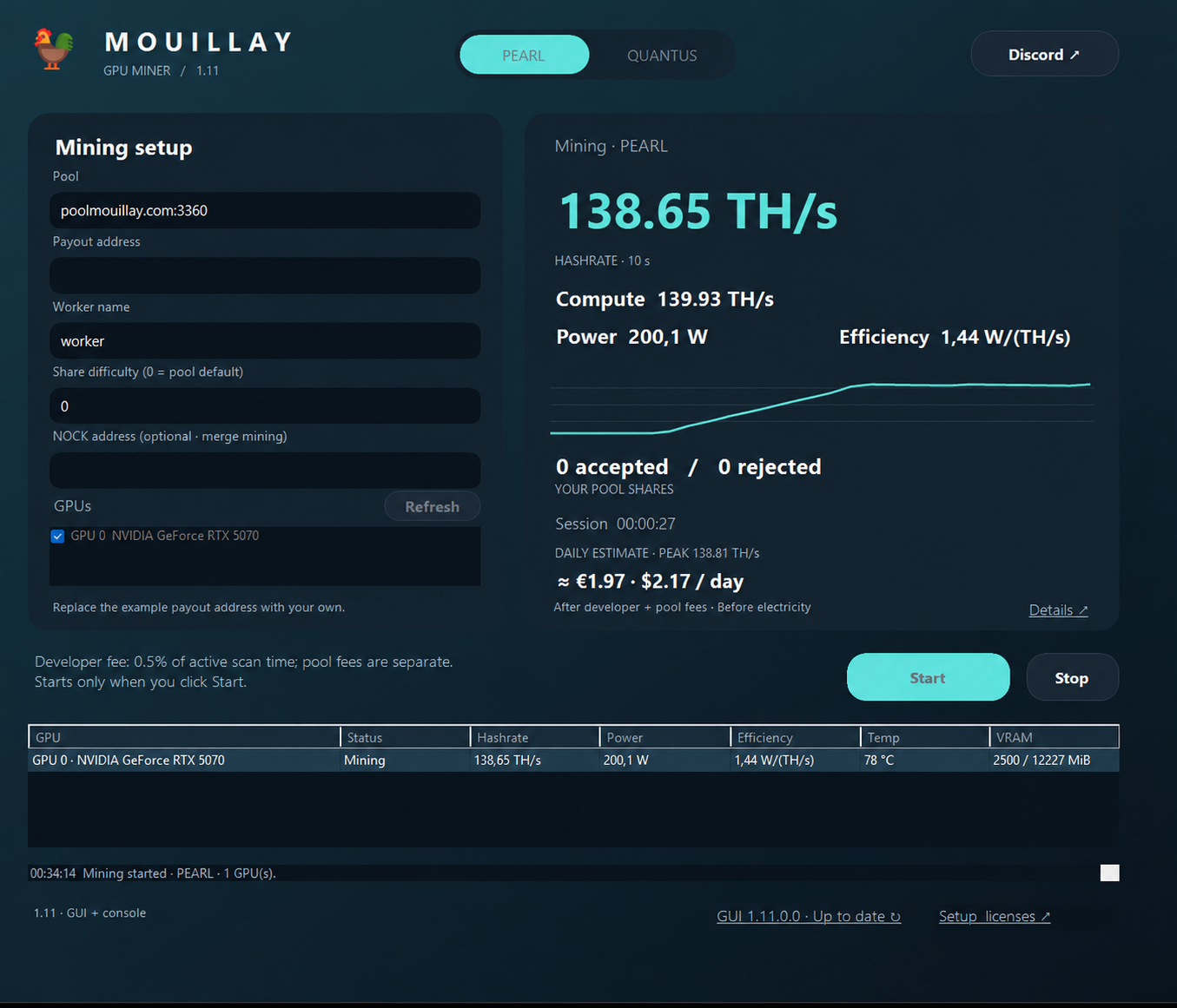
Mouillay GPU Miner

Mouillay GPU Miner

PEARL, QUANTUS and Parano1d on Windows. GUI, console and BAT included. PEARL, QUANTUS and Parano1d are also available on Linux and Docker.

NVIDIA RTX 3000, RTX 4000 ও RTX 5000 সমর্থিত

Also architecture-compatible: RTX A-series (Ampere), RTX Ada Generation, RTX PRO Blackwell, A2 / A10 / A16 / A40 and L4 / L40 / L40S.

Windows 1.16 ডাউনলোড করুন ↓Linux 1.16 ডাউনলোড করুন ↓Docker 1.16 ↓নির্দেশিকা ও রিলিজ →সেটআপ নির্দেশিকা ↓

Windows GUI 1.16 · Linux and Docker 1.14.

উপলব্ধ · v1.0.9

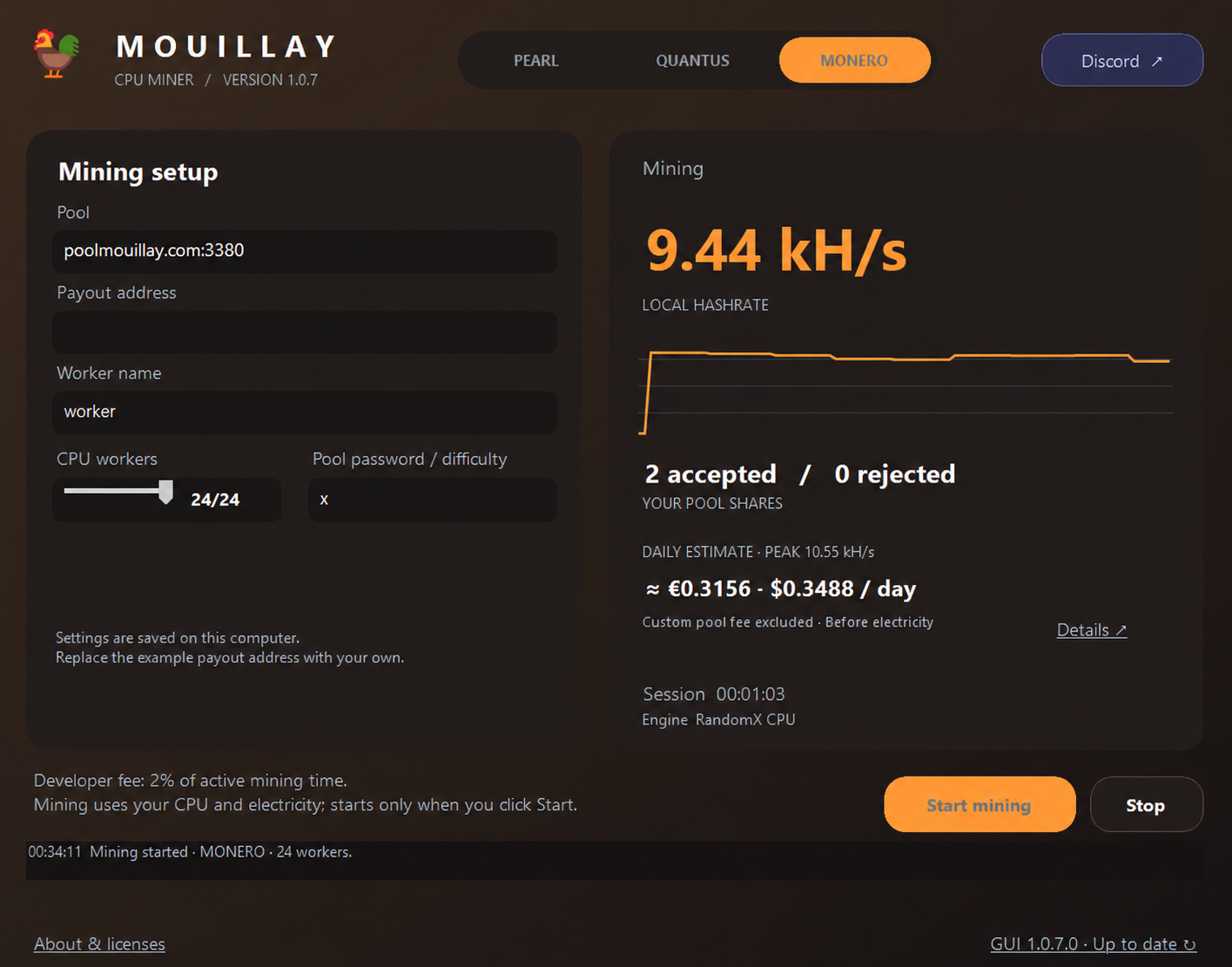
Mouillay CPU Miner

Mouillay CPU Minerএই মাইনার সম্পর্কে

AVX2-সমর্থিত Intel বা AMD CPU দিয়ে Windows x64-এ PEARL মাইন করুন। ফিজিক্যাল কোর স্বয়ংক্রিয় শনাক্ত ও থ্রেড নির্ধারণ করা যায়। PEARL + NOCK-এর জন্য উপযুক্ত পুল দরকার।

Windows ZIP ডাউনলোড করুন ↓নির্দেশিকা ও রিলিজ →
বিটা · 0.20.4-beta

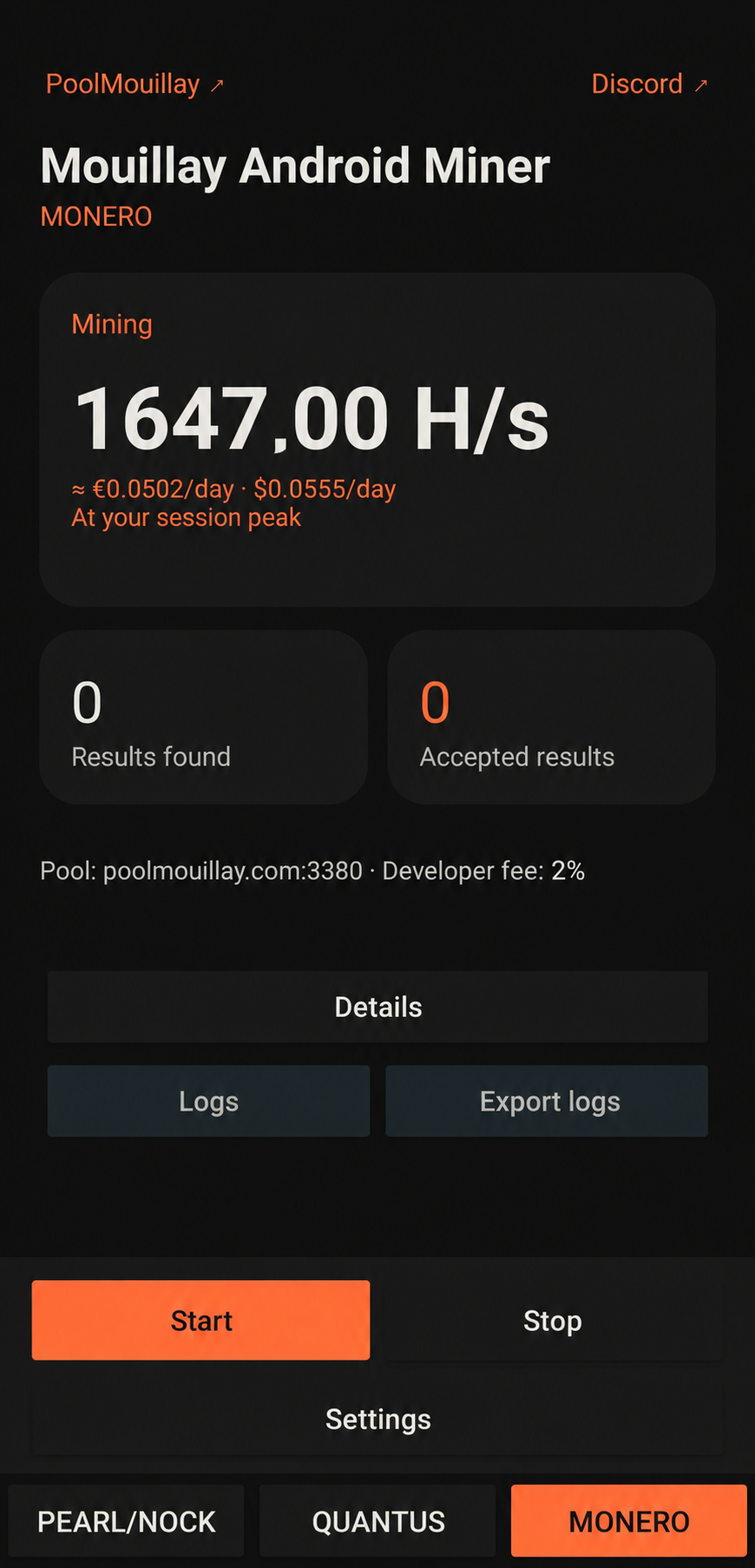
Mouillay Android Miner

Mouillay Android Minerএই মাইনার সম্পর্কে

ARM64 Android ফোনে CPU বা উপযুক্ত Vulkan GPU দিয়ে PEARL মাইন করুন; পরীক্ষামূলক Qualcomm Hexagon HMX ত্বরণ আছে। Android 10+ · রুট লাগে না। ডিভাইসভেদে সমর্থন আলাদা।

APK ডাউনলোড করুন ↓সেটআপ নির্দেশিকা ও রিলিজ →

প্রযুক্তিগত সেটআপ নির্দেশিকা (ইংরেজি)

Configure Mouillay GPU Miner

PEARL + NOCK merge mining · Windows · NVIDIA GPU

  1. Download the release ZIP from Guide & releases → and extract it. Keep MouillayMiner.exe and START_MINER.bat in the same writable folder.
  2. Right-click START_MINER.bat, choose Edit, and select PEARL and update your pool and payout address:
set "ALGORITHM=PEARL"
set "PEARL_POOL=poolmouillay.com:3360"
set "PEARL_WALLET_WORKER=YOUR_PEARL_ADDRESS+YOUR_NOCK_ADDRESS.rig1"

Keep the + between your PEARL and NOCK addresses and the dot before the worker name. Use both of your own payout addresses. In Wallet tracker above, enter your NOCK address only.

An accepted PEARL share does not automatically earn a NOCK block reward. NOCK proofs are verified separately; balances are credited when the pool earns rewards.

  1. Save the launcher, then double-click START_MINER.bat. Check the terminal for accepted shares.
  2. Search your wallet in the tracker to view your workers, estimated hashrate and balances. Each GPU receives a -gpuN worker suffix automatically.

Replace the prefilled maintainer wallet before mining. A compatible NVIDIA driver is required; Python and the CUDA Toolkit do not need to be installed separately.

Miner developer fee: 0.5% on poolmouillay.com, 1% on other pools. The pool's separate 0.5% fee also applies. Press P to pause/resume or Ctrl+C to stop.